How to create a new request on AOP
# How to Create a New Request on Age of Pisces
This guide details how to create a new request on The Age of Pisces platform, including filling out necessary fields and selecting options for thorough request management.
## Step 1
Navigate to theageofpisces.app/dashboard
## Step 2
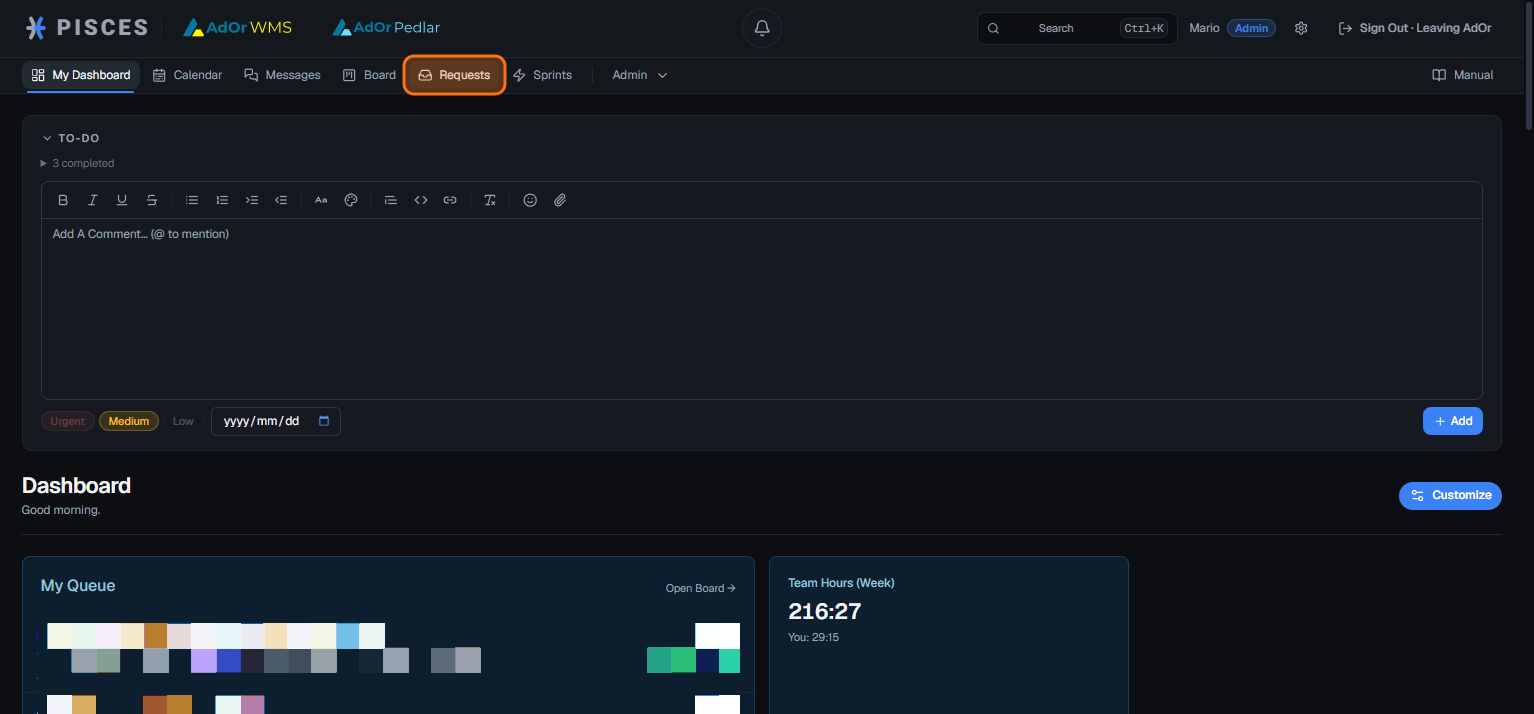
Once you’ve logged in, select **Requests**. You must first have an account or have received an invitation to join the platform.
## Step 3
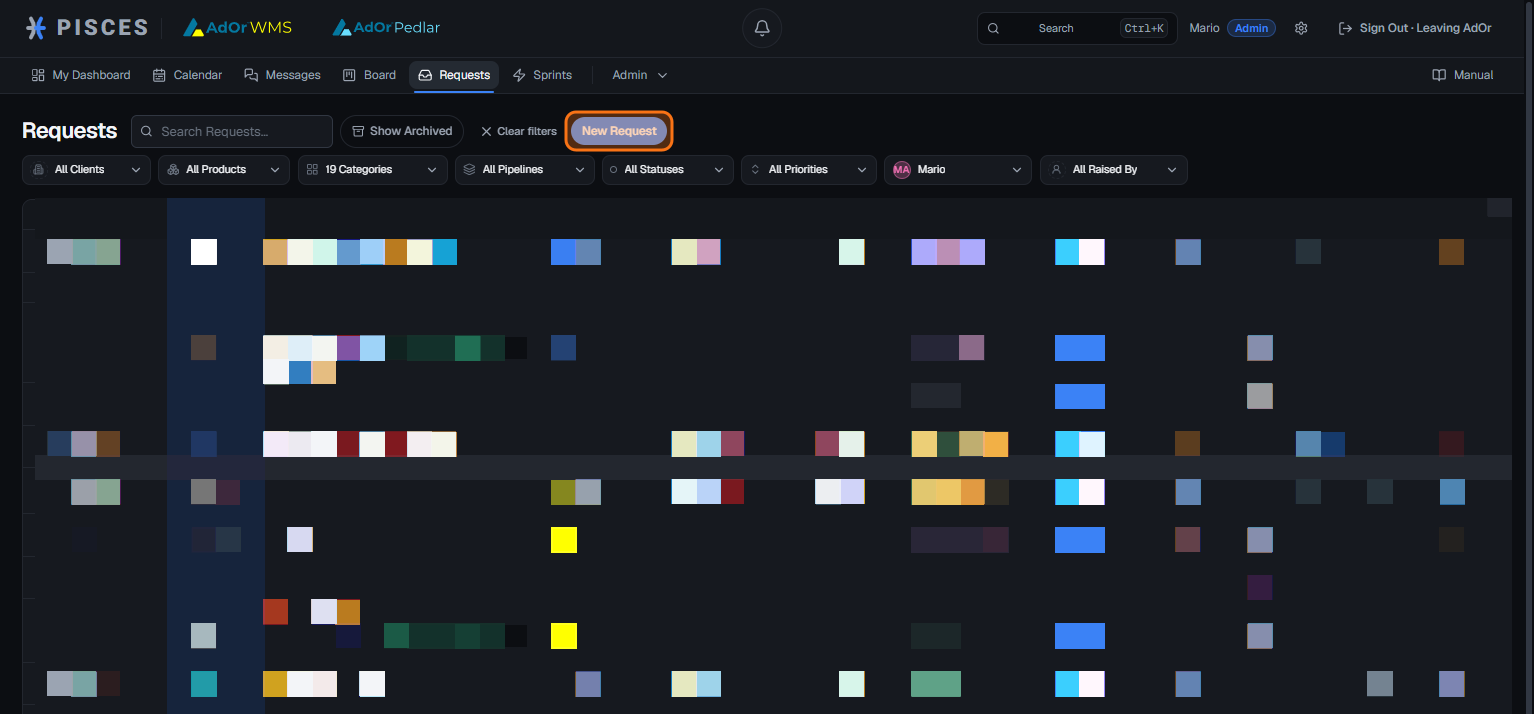
Select **New Request** to begin creating a request.
## Step 4
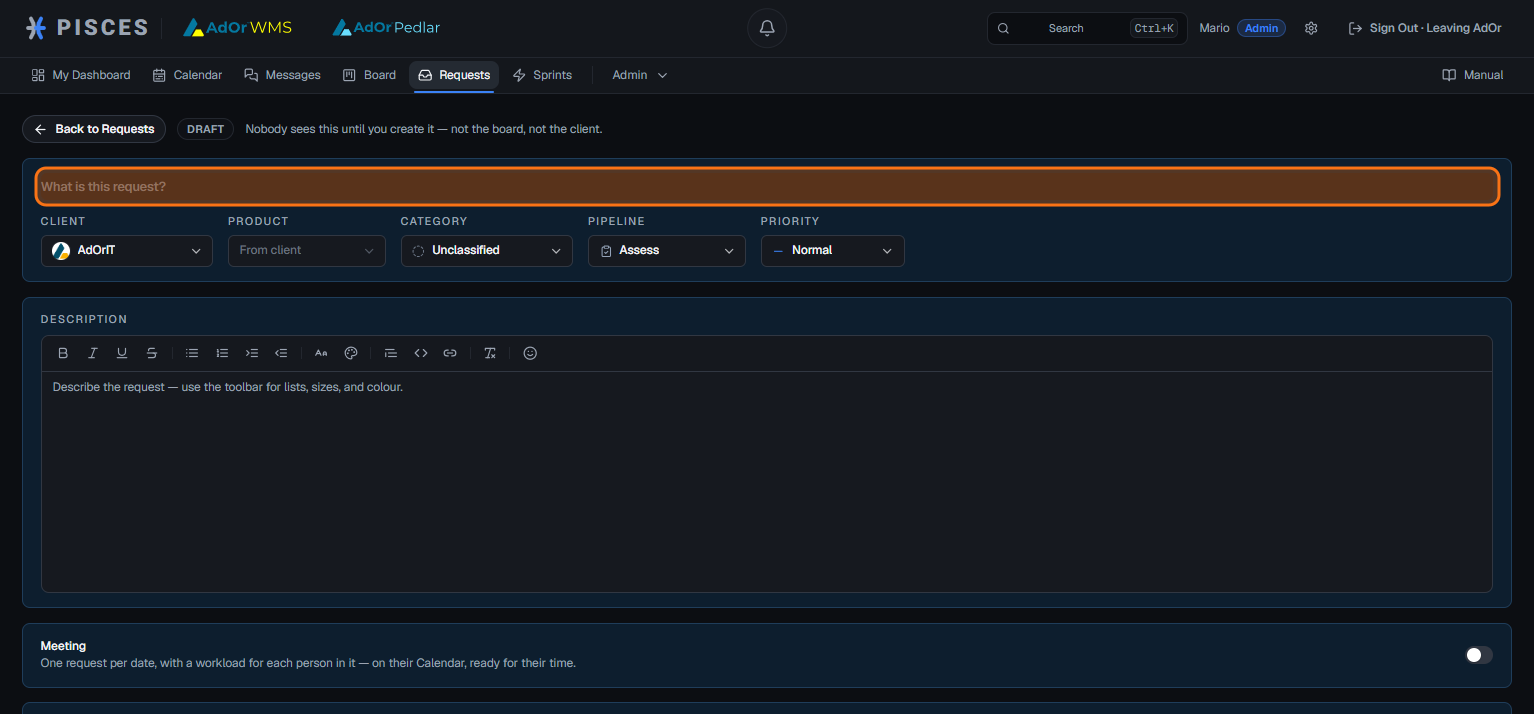
Click the **What is this request?** field and enter a title for the request.
## Step 5
Give the request the title you want
## Step 6
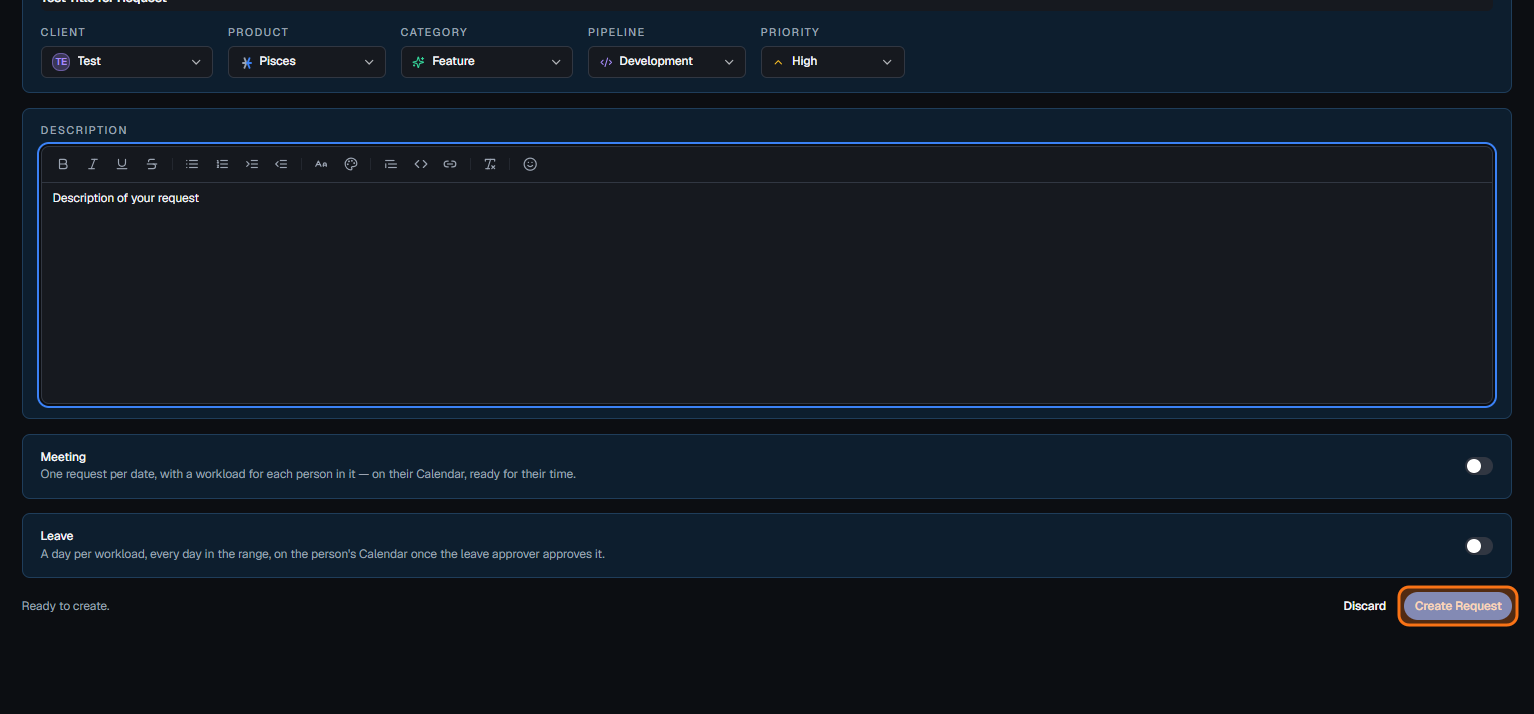
Open the ****Client**** menu to choose which client the request is for. If you’re a client user, it will automatically default to your client.
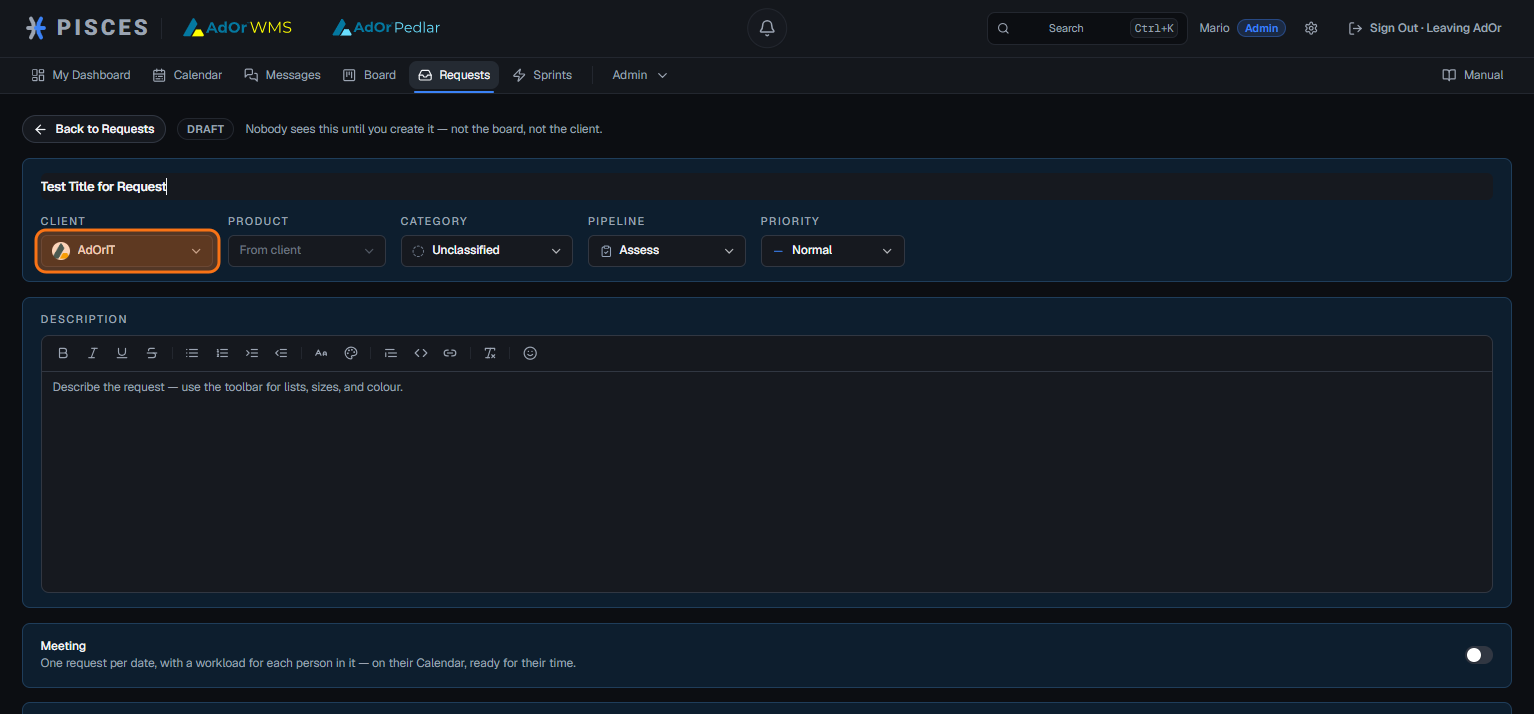
## Step 7
For this example, we will use the T****est**** client.
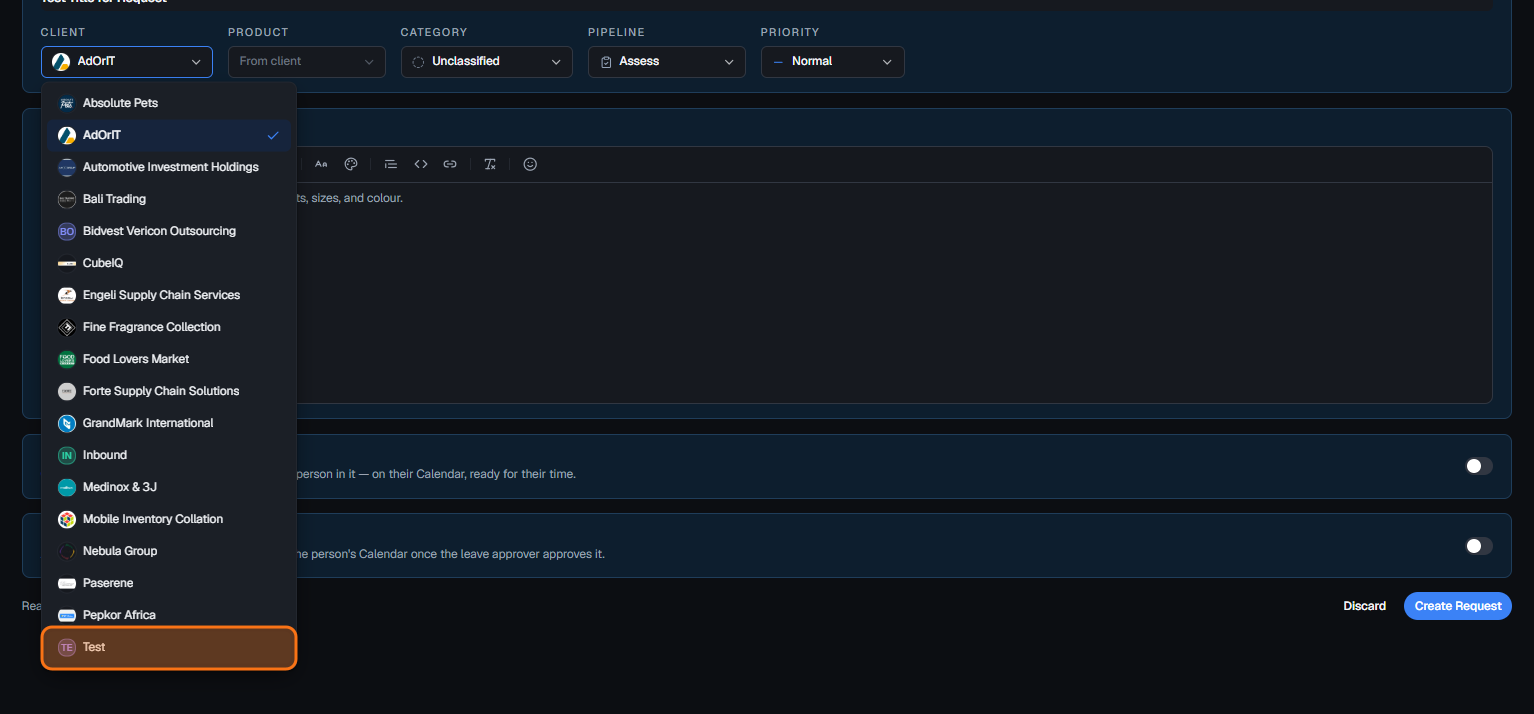
## Step 8
Open the **Product** menu to choose the product associated with this request.
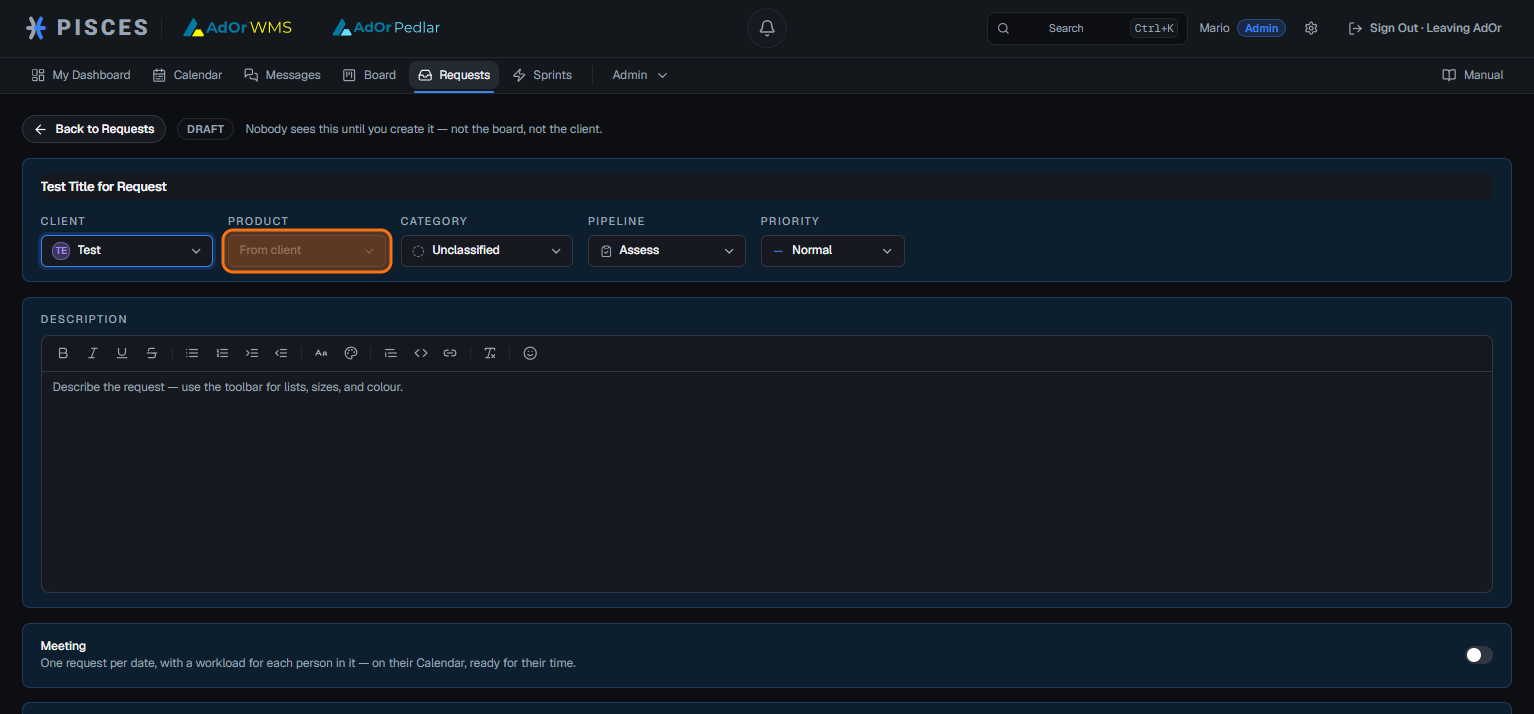
## Step 9
For this example we will select ****Pisces**** as the product.
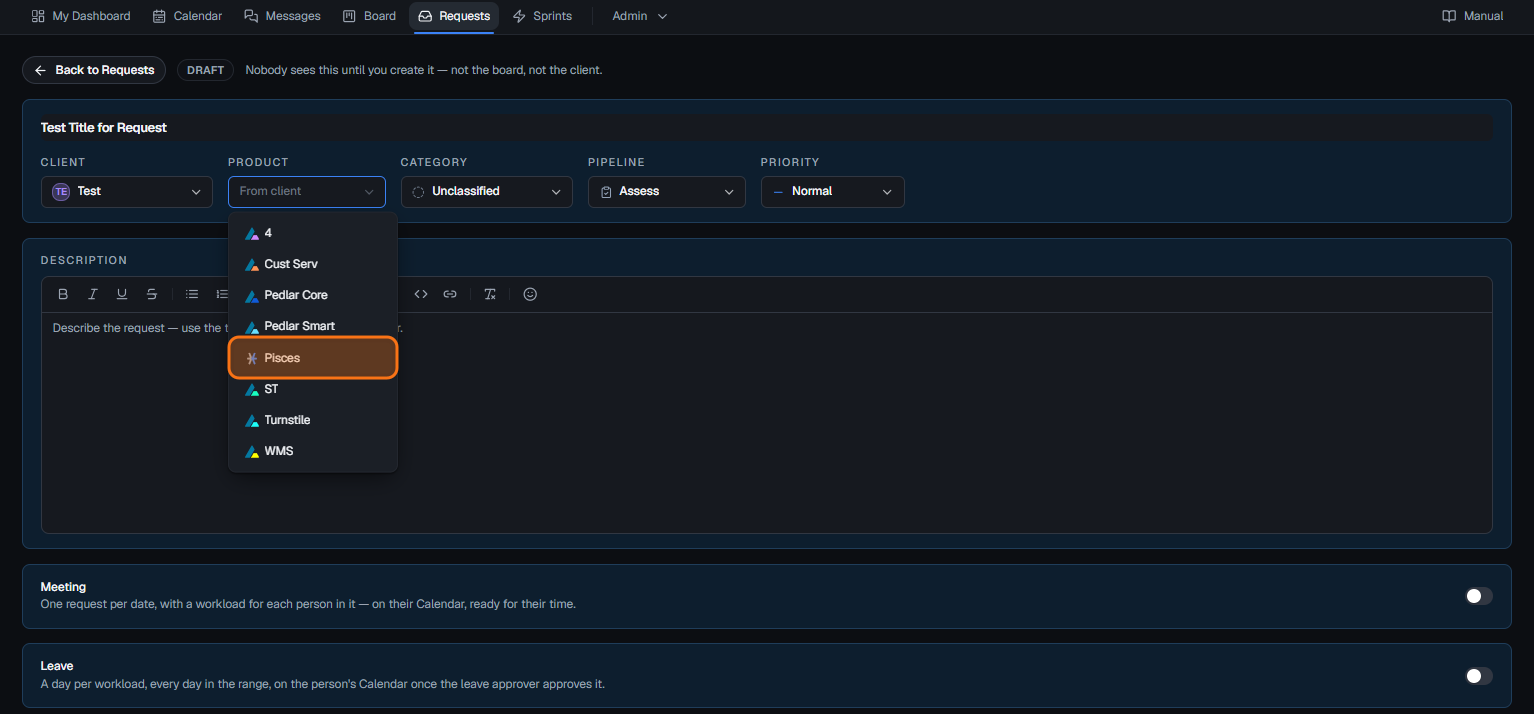
## Step 10
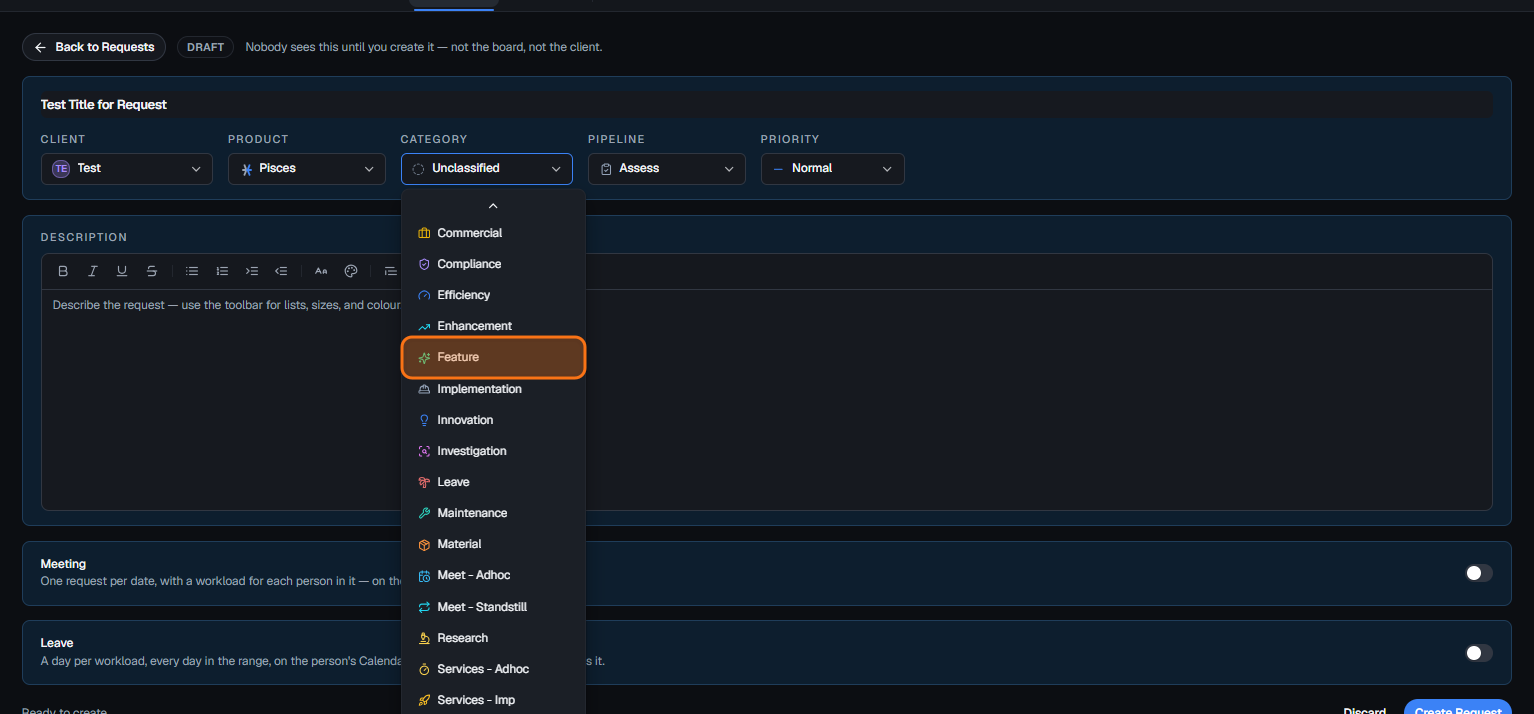
Open the category menu. You can leave the request unclassified or choose a category from the list.
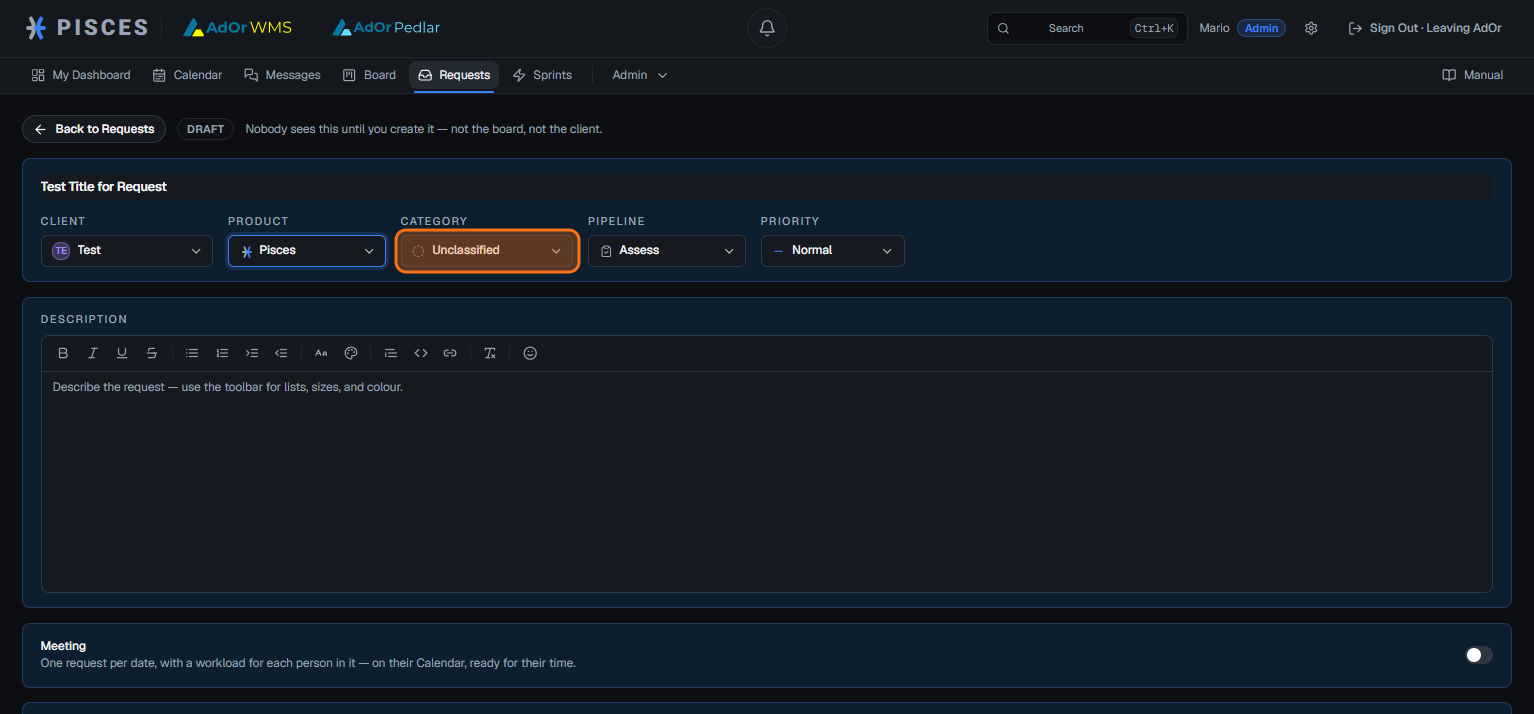
## Step 11
For this example we will choose ****Feature**** as the request category.
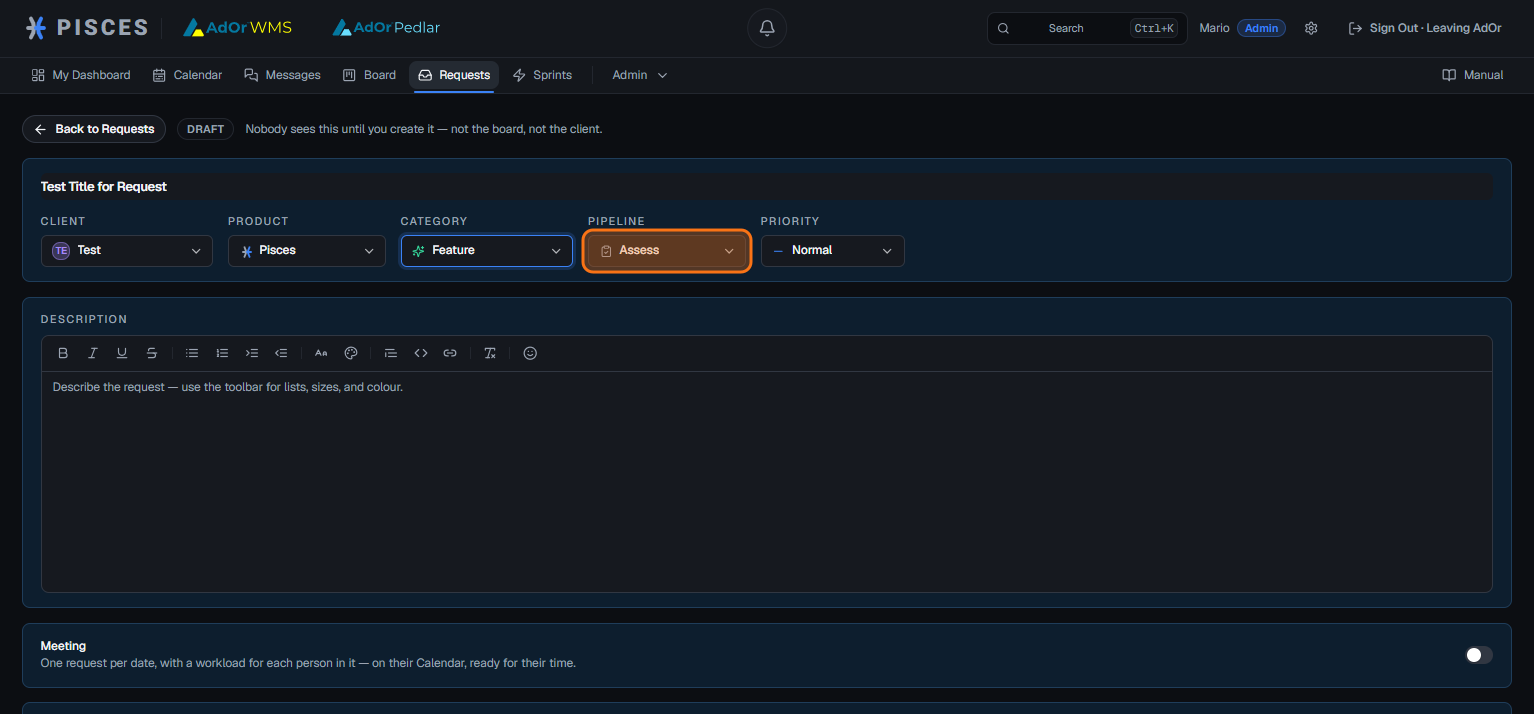
## Step 12
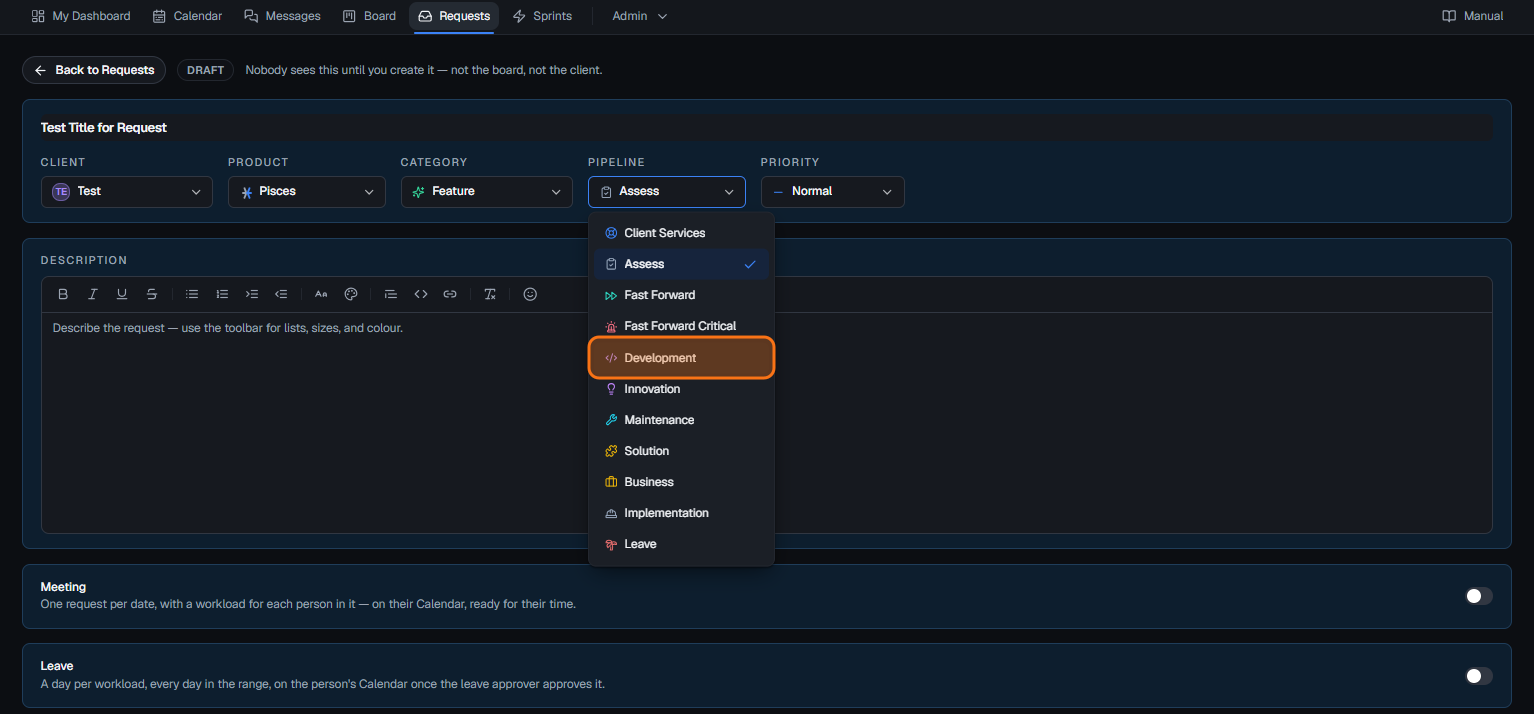
Open the pipeline menu. You can keep the request in Assess or assign it to a specific pipeline.
## Step 13
For this example, we are assigning the request to the ****Development**** pipeline.
## Step 14
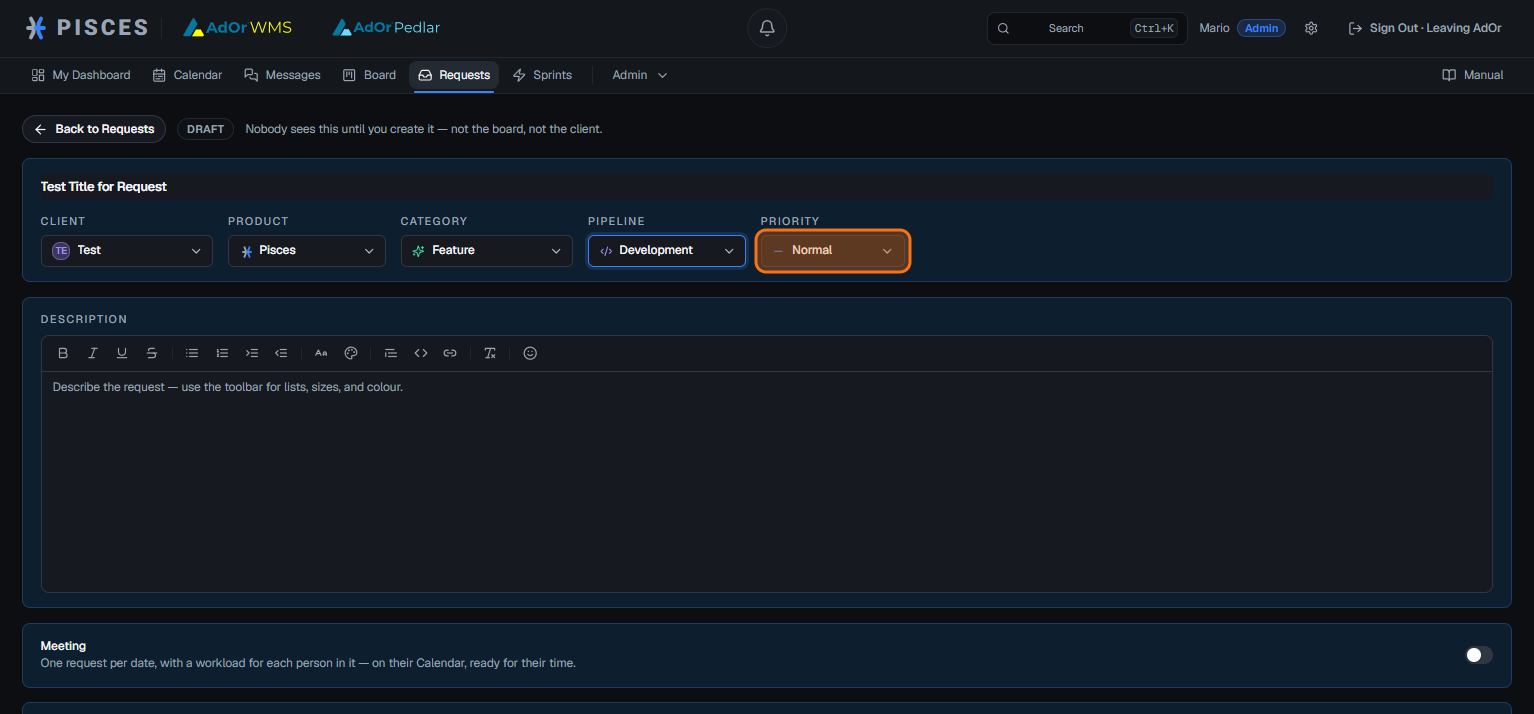
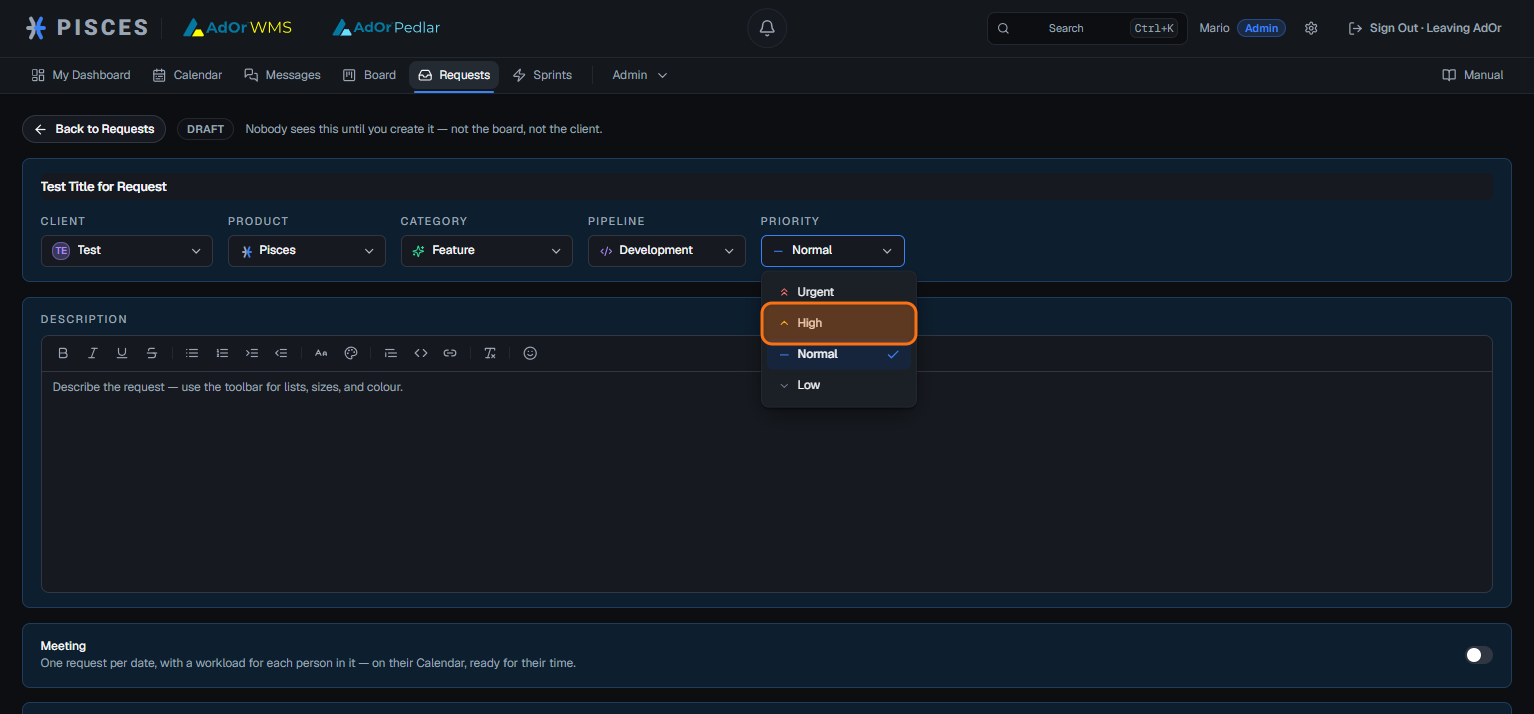
Open the priority menu to choose between Urgent, High, Normal, and Low.
## Step 15
For this example, we are setting the priority to ****High****.
## Step 16
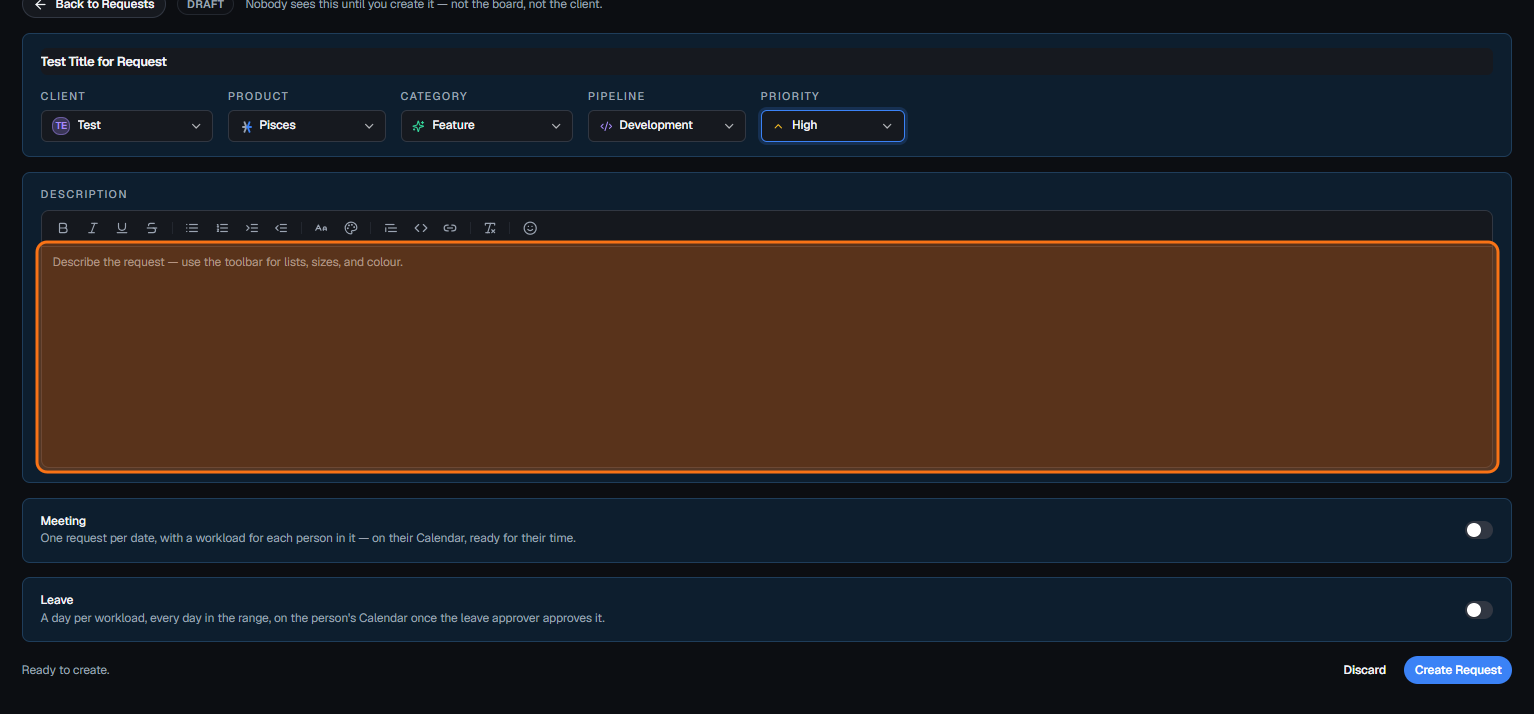
Within the ****Description**** field add details about your request (this is compulsory).
## Step 17
Once the details are complete, select **Create Request**.